


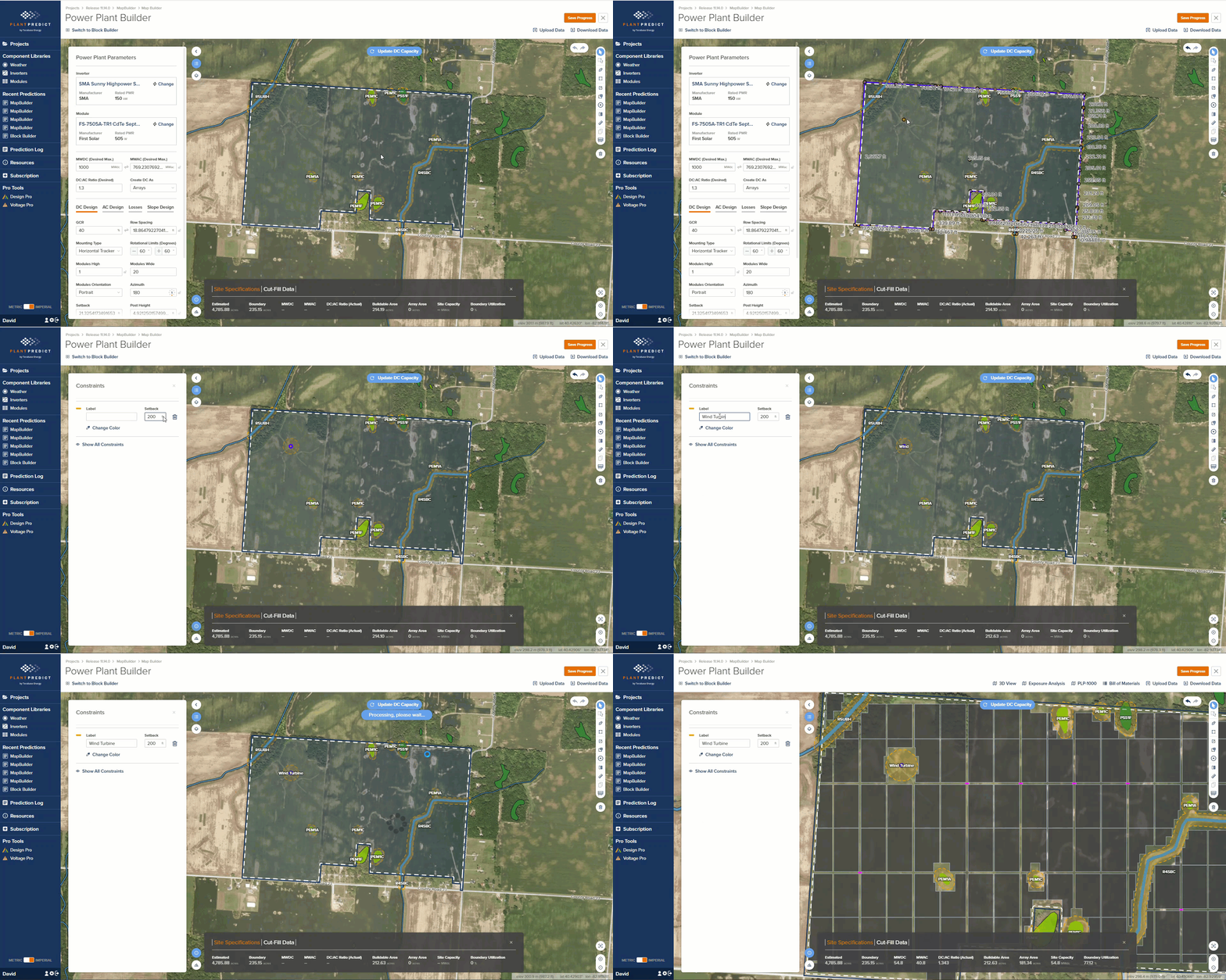
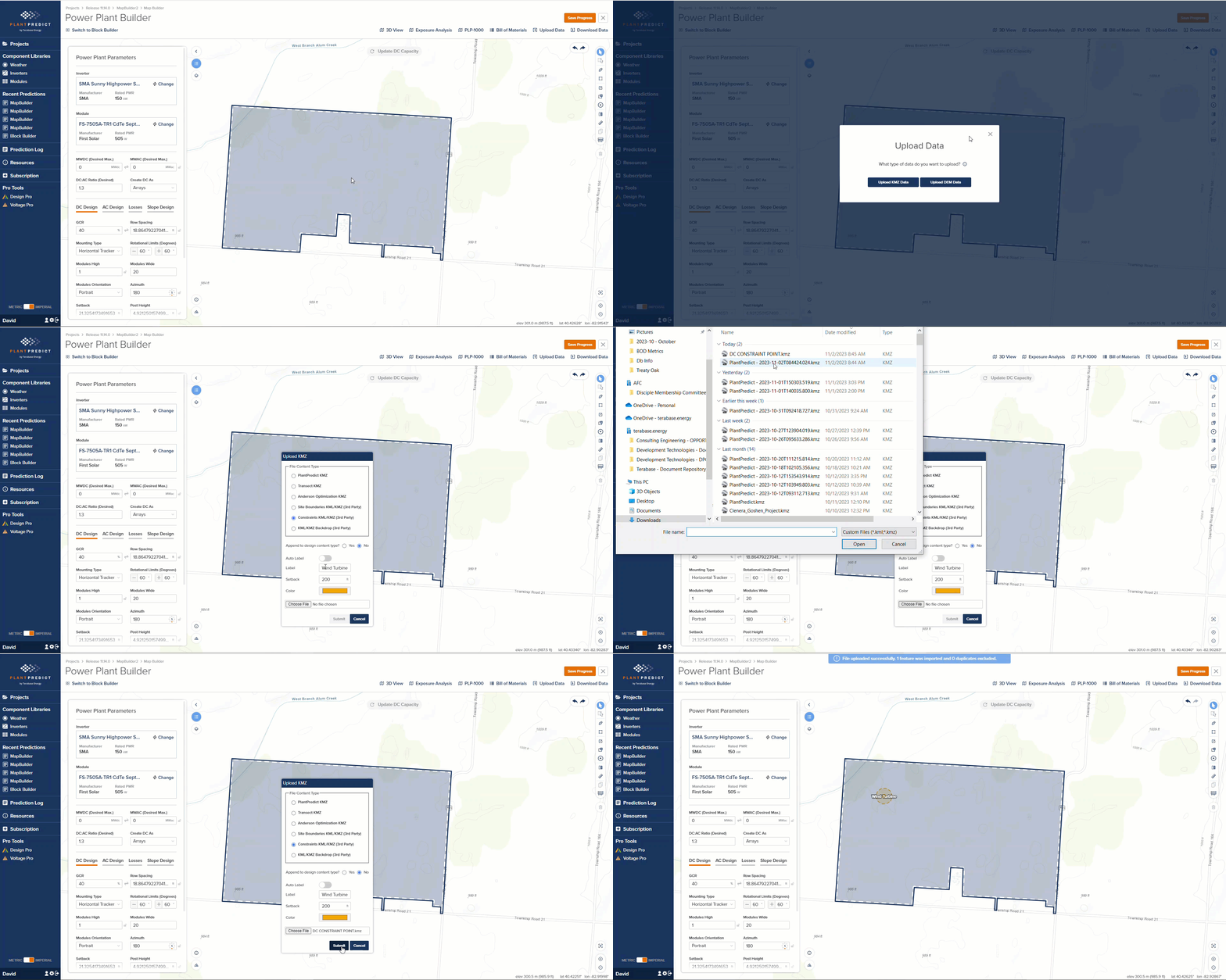
- Users can upload a .KMZ backdrop to the Map Builder prediction. The system allows users to save this backdrop, eliminating the need for repeated uploads.
- Meteonorm weather files are now being downloaded with an “Active” Status instead of “Global”, and the owner will be the user who initiated the download.
- We restricted the ability to generate API credentials to a specific group of users who meet the following criteria:
- The requester must have administrative privileges.
- Both the requester and the user must belong to the same company, unless the requester is a super admin.
- Both the requester and the user must have an ‘Active’ status.
- Both the requester and the user must possess an active subscription for one of the following license types: Free Trial, Strategic, Education, or Enterprise.
- We’ve enhanced support for importing large weather files. We now can import weather files containing 30 years worth of data with a 15-minute interval. The maximum size for weather file imports has been increased to 128MB.
- If a weather file import contains more than 8,760 timestamp records (equivalent to one year of data at 60-minute intervals), the user will only see the first quarter of the data on the quality check screen. This adjustment was made to prevent errors in the API due to the size of the data.