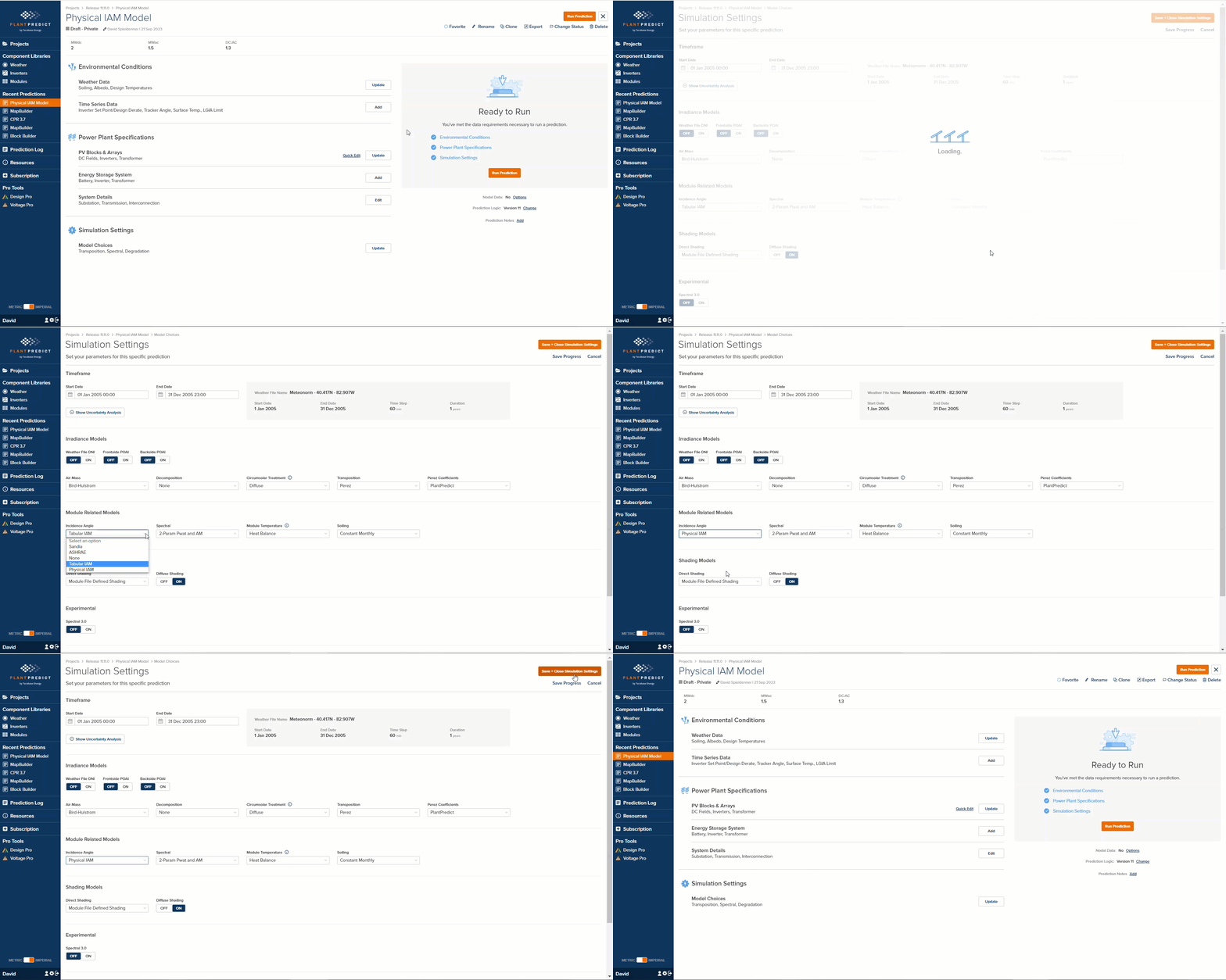
September 21, 2023 IAM Model Updates - Physical IAM Model PlantPredict subscribers can now utilize the Physical IAM model published in pvlib. To use the Physical IAM model, a user must make the proper selection in the Simulation Settings → Model Choices section of their prediction.
Release 11 11 0 Image1
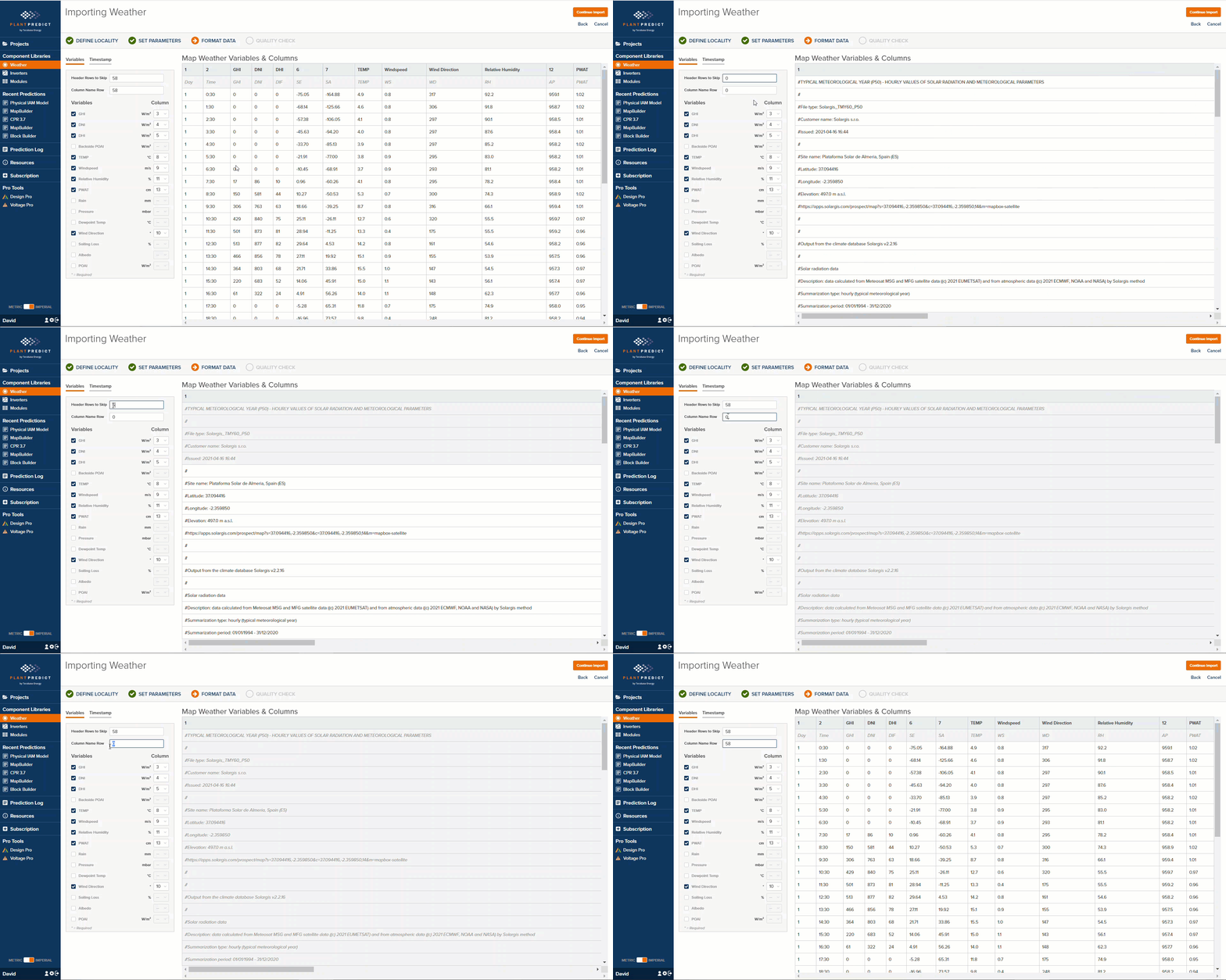
The physical IAM model resembles the Fresnel model implemented in PVSyst in that they have similar input parameters, but users should not expect the exact same results. Documentation here: Physical IAM Losses Column Name Row in Weather File Import We added a new parameter called “Column Name Row”, which allows a user to specify the row in the weather file being implemented that contains the Column Names. The Format Data screen will now hide all the rows above the Column Name Row, which makes mapping the columns much easier.
Release 11 11 0 Image2
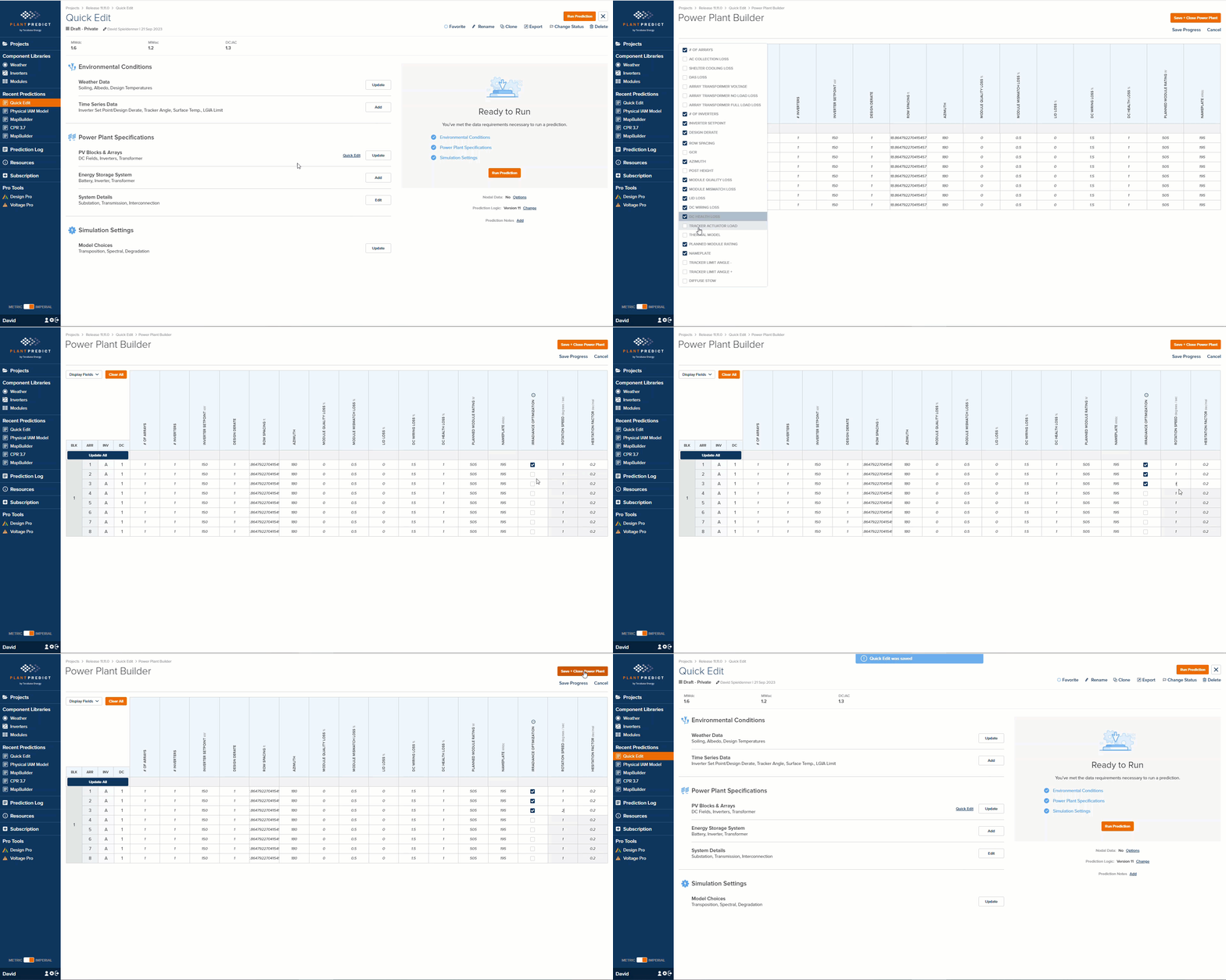
Block Builder Quick Edit - Diffuse Stow/Irradiance Optimization options We have added the Irradiance Optimization parameters to the Quick Edit page, which is only available for Block Builder Predictions. Now you can quickly and easily modify the Irradiance Optimization settings for all your DC Fields.
Release 11 11 0 Image3
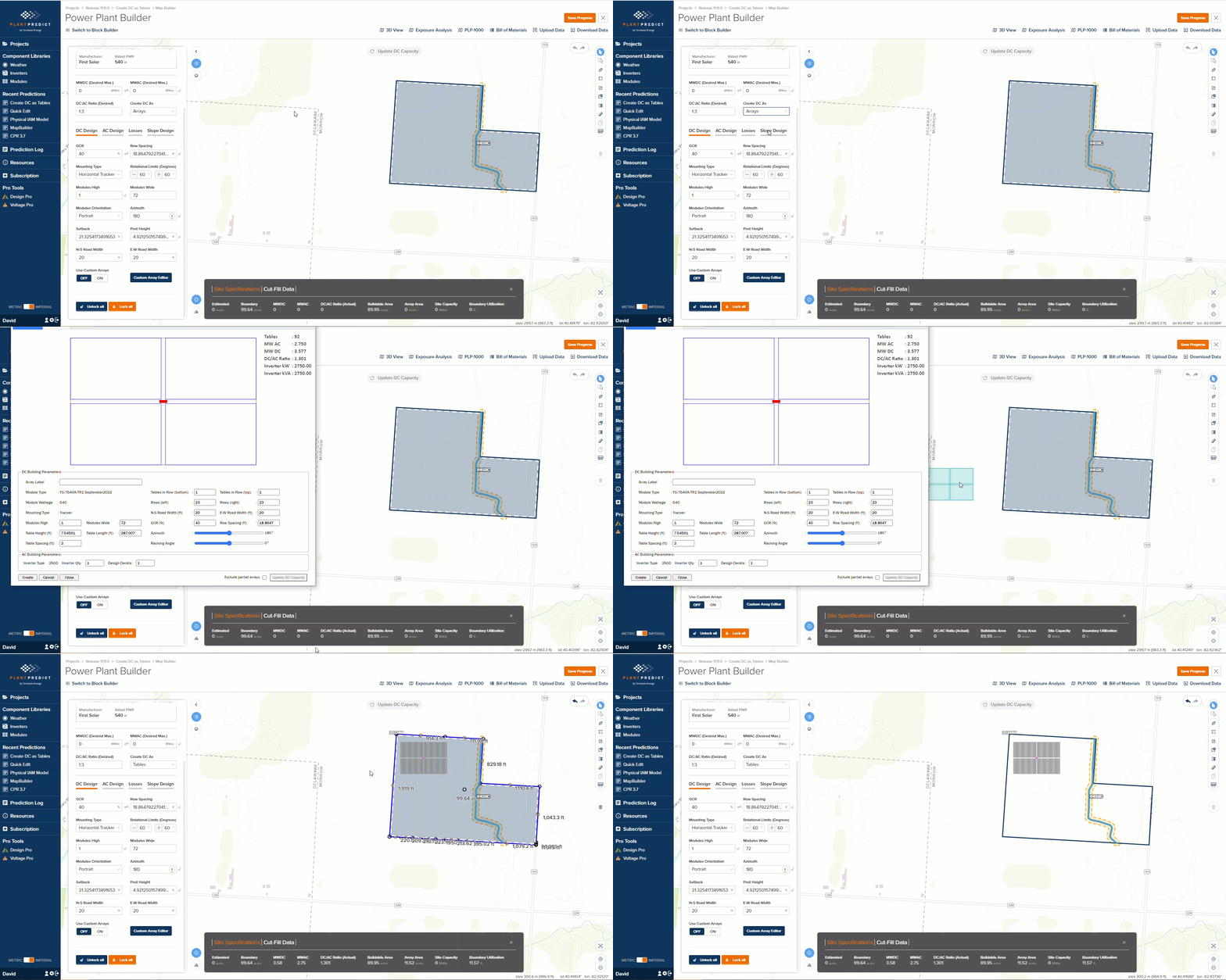
Custom Array Builder can build arrays with DC as Tables If the “Create DC as” field is set to Tables, when you create a custom table using the Custom Array Editor in a Map Builder prediction, the DC will be created with table shapes instead of array shapes.
Release 11 11 0 Image4
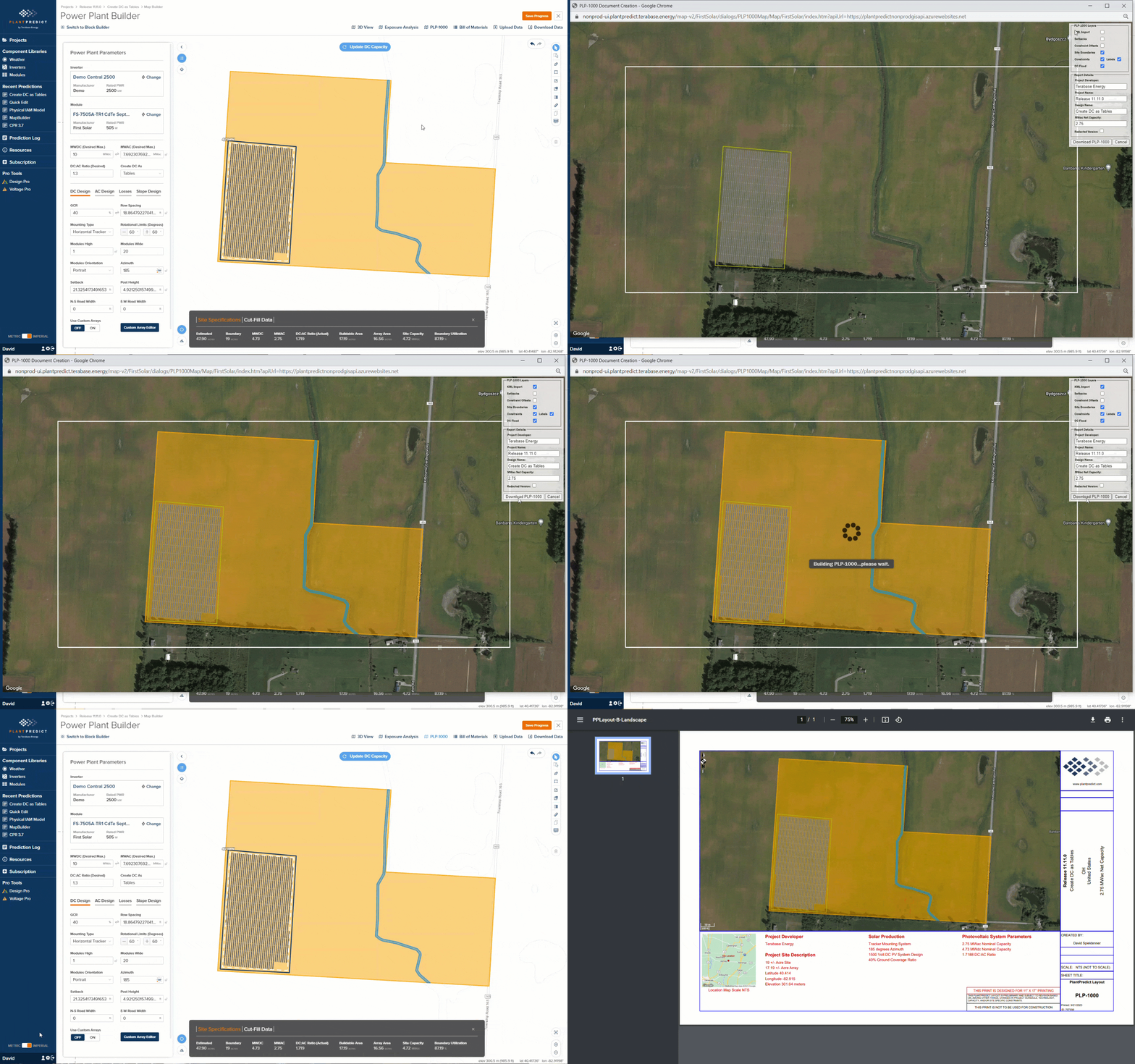
KMZ Backdrops are now displayable on PLP-1000 If you have imported a KMZ as a backdrop, and you want those shapes to appear in your PLP-1000, that is now possible.
Release 11 11 0 Image5
SDK Updates The SDK now supports JSON only requests on top of existing functionality. This should make the SDK easier and more intuitive to use, especially for software developers not coming from a Python background.
  • Added new support in the SDK to allow parsing and uploading of both .PAN and .OND files. For example usage, check out our ReadTheDocs section on these changes here: Example Usage — plantpredict-python 1.0.20 documentation
  • Updated the _enumerations _class to include the **new **Physical IAM model choice.
To keep up to date on our SDK releases, check out our GitHub Release page: Releases · plantpredict/python-sdk   Minor enhancements and Bug Fixes
  • Fixed a bug where prediction statistics were not showing up in an expandable UI element. This expansion was redundant and has been removed.
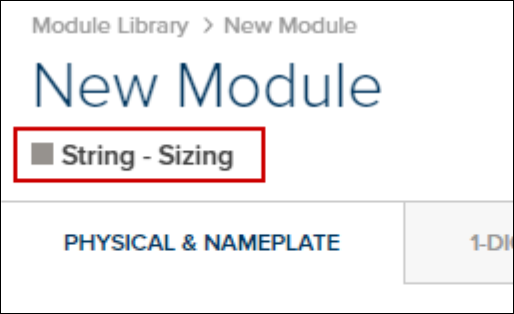
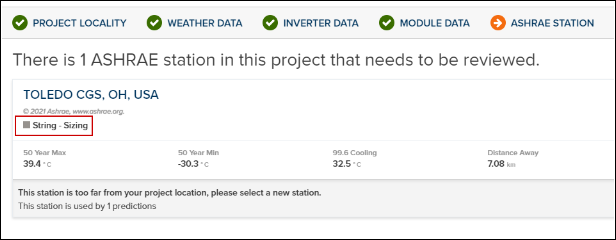
  • The asset type of “StringSizing” is displayed for at least 2 different assets incorrectly. Ashrae stations during project/prediction import and new module forms. Import Project → Import From .PPP → Ashrae Station
Release 11 11 0 Image6
Add Module → Create Blank Template
Release 11 11 0 Image7
  • Updated our Contact Us link to utilize our new Support Contact us screen.
  • Project Import now filters for *.ppp files, making this process a little easier
  • Fixed an issue with the .SHP File export. Boundaries with holes in them, were causing strange results.