

PlantPredict
PVFARM Import
A PVFARM design can now be imported directly into a prediction. Select the shading model file (.pvfshade) exported by PVFARM, and PlantPredict builds the power plant and imports the associated 3D shade scene.
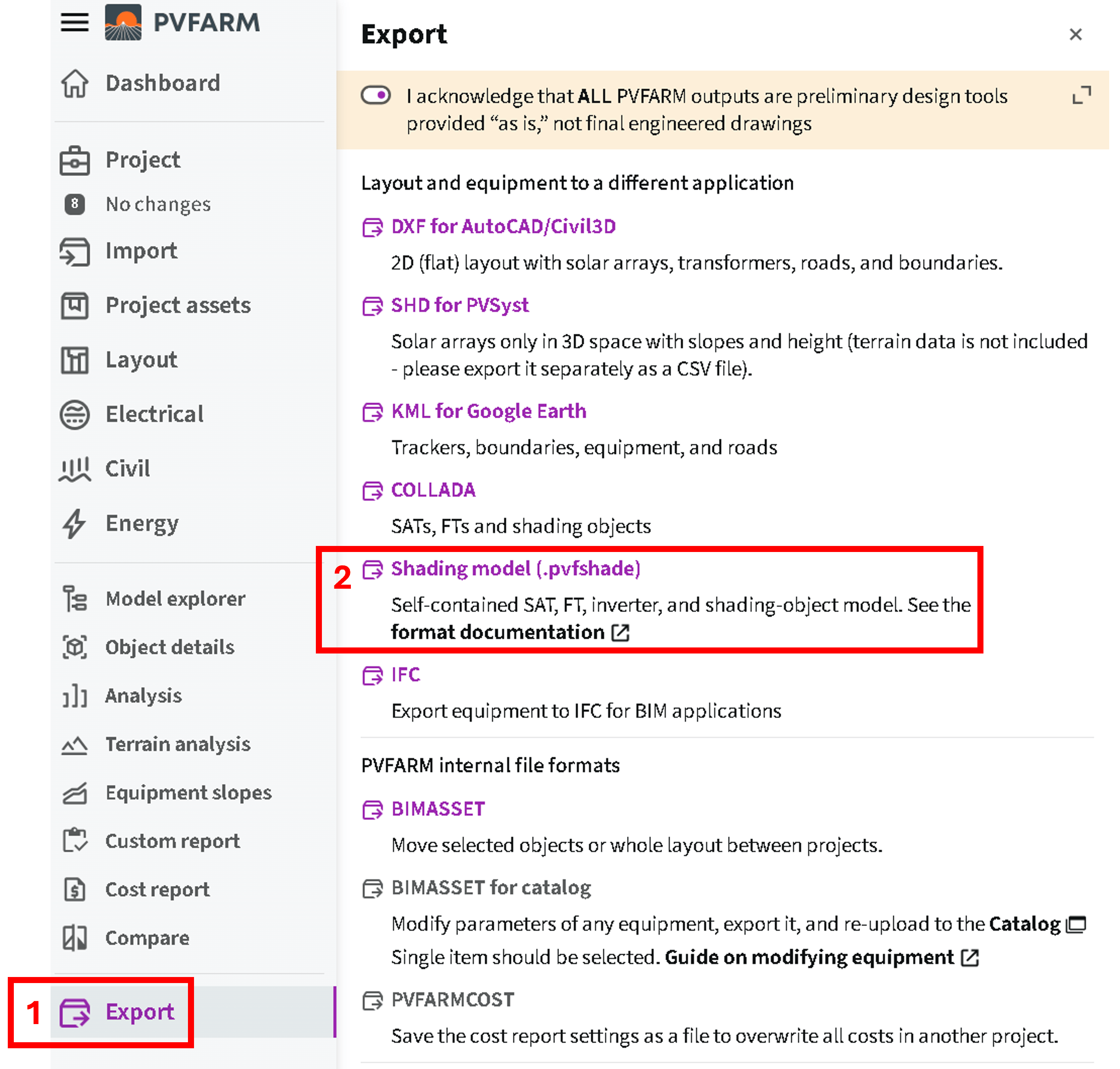
In PVFARM: Export, then Shading model (.pvfshade)
- Modules and inverters — Upload PAN and OND files (preferred pathway). When not available, the module can be generated from the limited data present in the PVFARM file (lower-fidelity pathway). If a matching record is found in your library, it will be used.
- Arrays and transformers — Review and adjust the values carried over from the design.
- Summary — Everything is validated before anything is created, so the summary reflects exactly what the import will build.
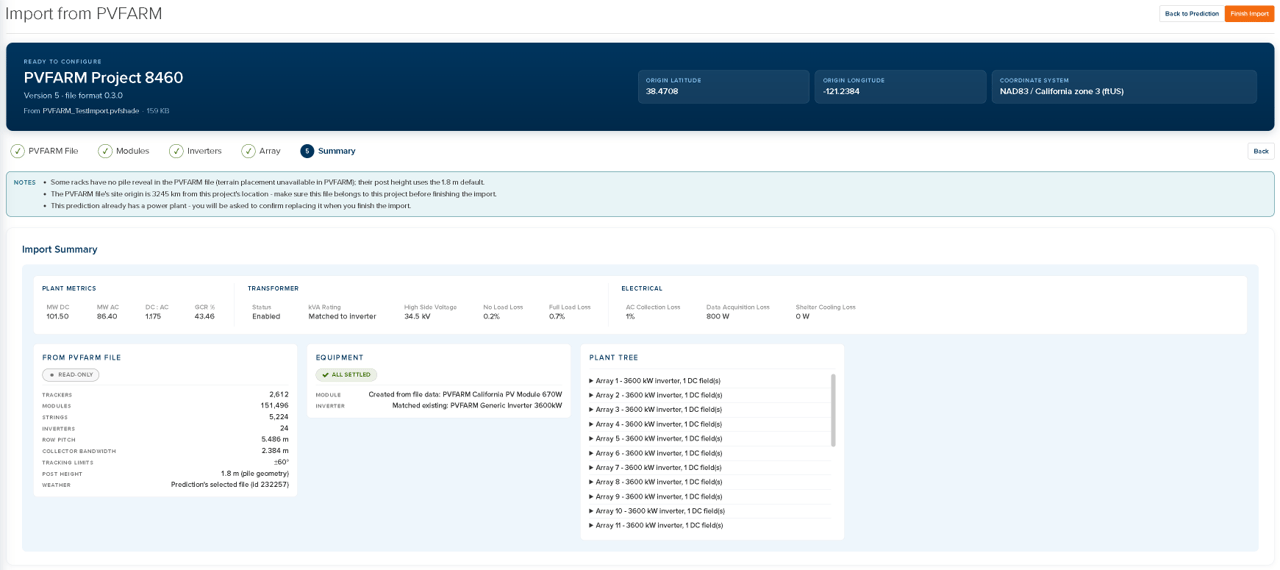
The import summary: plant metrics, transformers and electrical values, equipment being used, and resulting plant hierarchy
PVC 2.0 Import
PVC 2.0 files can now be imported into the 3D shade scene, similar to PVC 1.4.1 files. Available as a beta. This release covers scene geometry only. The PVC 2.0 geometry schema is final, but the electrical hierarchy and mechanical schemas are still under development—full PVC 2.0 import will be available once the format is locked.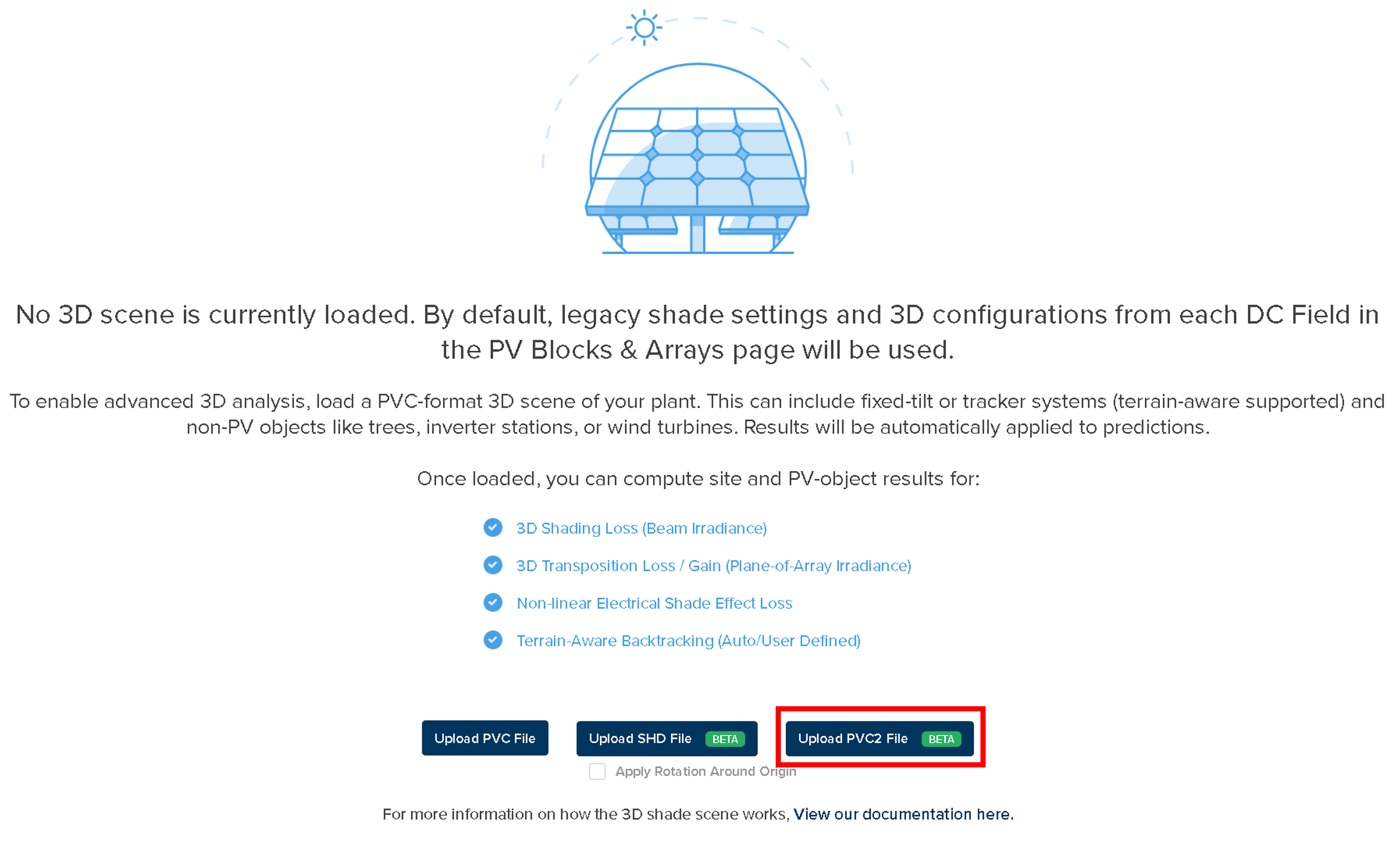
New Upload PVC2 File button on the 3D Scene upload page
In-App Documentation Assistant
Questions can now be asked against the PlantPredict documentation from inside the application, without leaving the page you are working on. Answers are sourced from docs.plantpredict.com.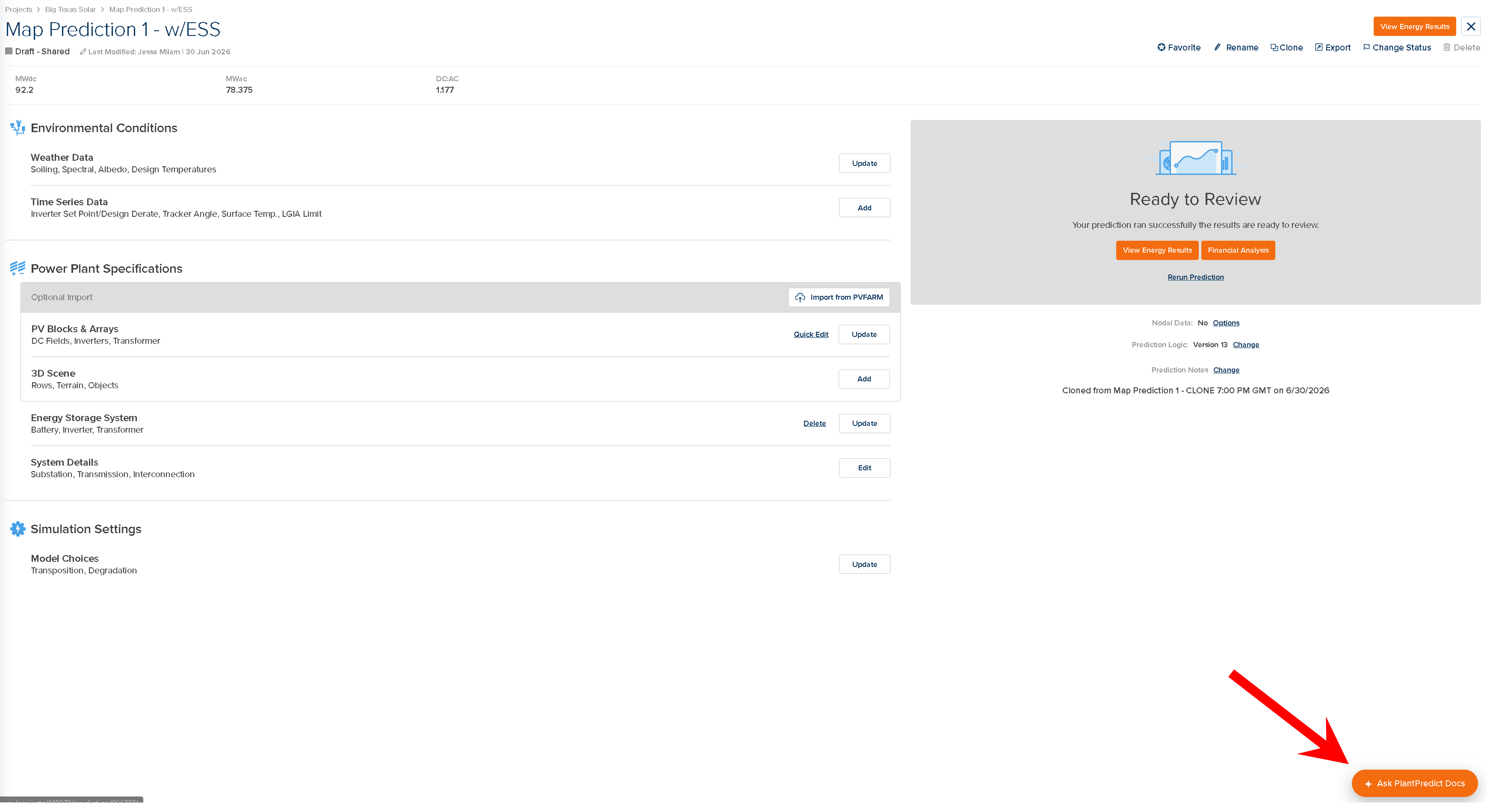
Ask PlantPredict Docs is available from any page
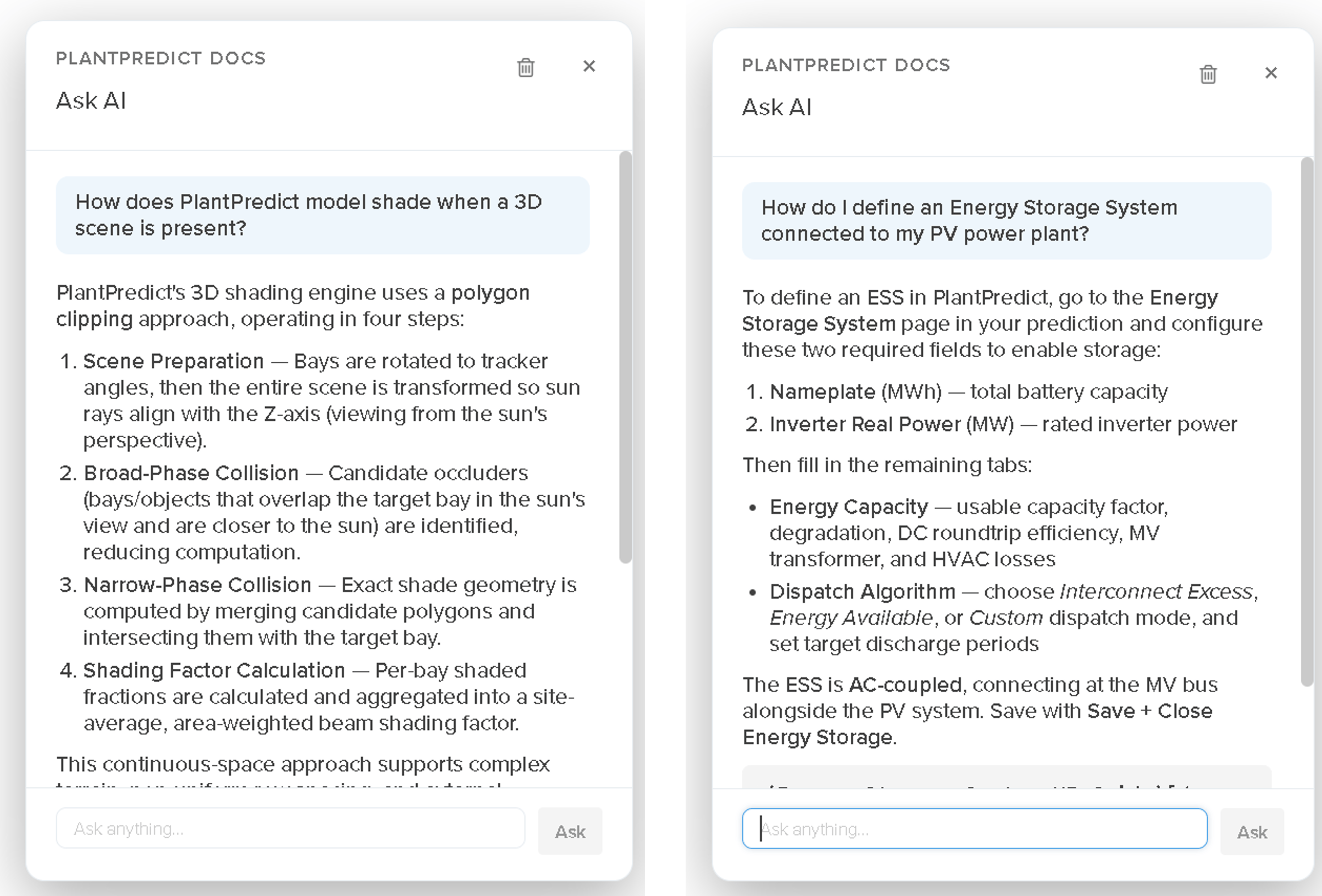
Answers are drawn from the PlantPredict documentation
PVsyst Import Improvements and Bug Fixes
- Variants import fix — Variants are now identified by their contents rather than their file extension, and row spacing stated in the 3D shade scene is now read. Projects that were previously rejected outright, or that showed only part of their variants, now import.
- Fixed-tilt variants — Fixed-tilt variants now show their mounting type and GCR on the review page and create successfully, instead of being marked ready and then failing.
- Variant names — Variants that would produce identically named predictions are flagged on the review page, and a variant tag is appended automatically if the names still collide.
- Source values instead of defaults — IAM, DC wiring, AC collection, transformer, and spectral correction settings are now taken from the PVsyst file wherever it states them, rather than falling back to your company defaults.
- Clearer messages — The review page names the files that are missing rather than only counting them, and a ZIP without a
.PRJfile no longer reports a false error.
Simplified Seat-Count Pricing
Subscriptions are no longer sold in fixed seat bundles. Any number of seats can now be purchased on any tier, including Pro with a single seat, which was not previously available. The price per seat decreases as the seat count rises instead of stepping at fixed bundle sizes. Seat counts can be adjusted from the Subscription screen: increases apply immediately, while reductions take effect at renewal.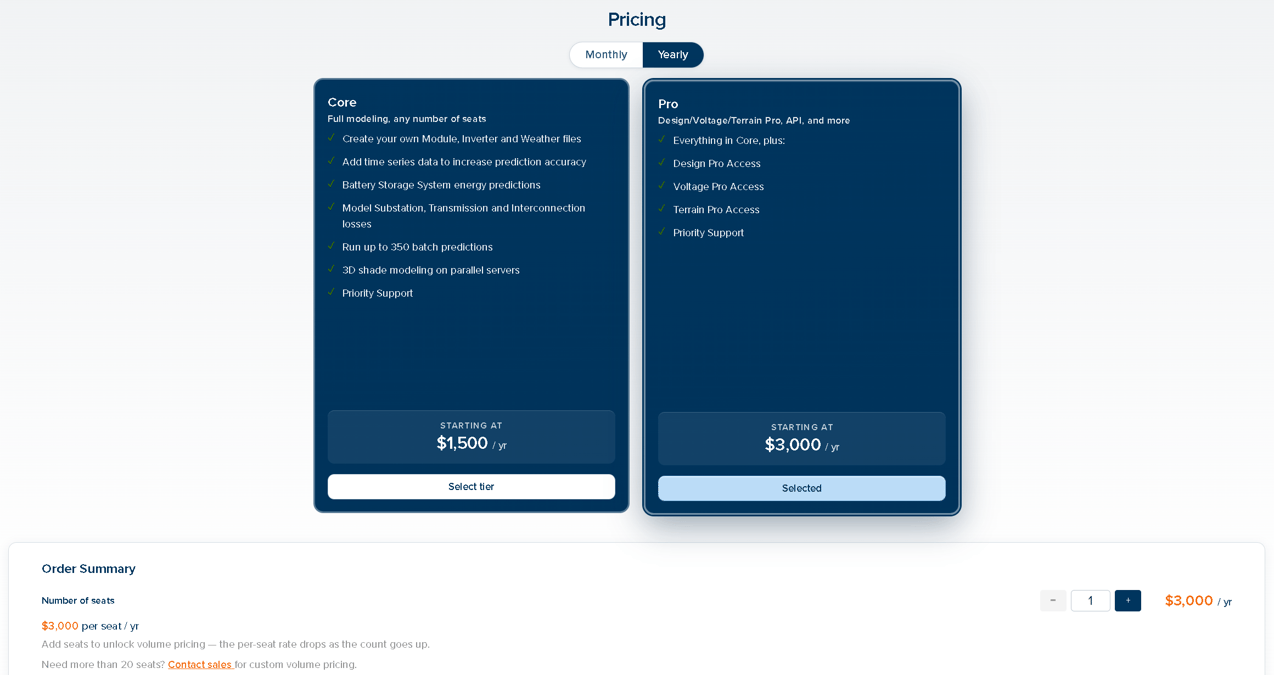
Pro can now be purchased as a single seat
SunSolve Across All Versions
SunSolve is no longer limited to Prediction Logic 13 predictions and is now available across all versions.Unsupported PVsyst 3D Scene Objects
A PVsyst 3D scene can contain object types PlantPredict does not support, and those objects are left out of the scene that gets built. This previously happened silently. Both the PVsyst project import and a direct SHD scene upload now report what was left out, naming the object types and their counts, and stating that their effect is not included in the shading results.
The notice names every unsupported object type and how many of each were omitted
Improvements and Bug Fixes
- Subscription visible in the app — Your subscription tier now appears in the navigation bar.
- Energy storage columns in reports — Energy storage columns are no longer shown in reports for predictions that do not include an energy storage system.
- Weather data shifting — Shifted weather timestamps are now rolled to the other end of the same calendar year instead of spilling into the previous or following year, which previously led to partial years.
- PVGIS weather import — Fixed an issue where PVGIS imports at sites with a negative UTC offset were stored as starting and ending on December 31, making them unusable for a full-year simulation.
- Fracsun CLEO soiling import — Fixed a failure when importing Fracsun CLEO soiling data from the Environmental Conditions page.
- Terrain-aware backtracking (V13) — Fixed an issue where tracker angles were reversed in the southern hemisphere when running under Prediction Logic 13.
- Inverter minimum DC power threshold (V13) — Fixed a bug in the calculation of the time-series-adjusted minimum DC power threshold. Affects predictions using Impp/Vmpp time-series adjustments.
- Battery cycle degradation (V13) — Fixed an issue where battery cycle degradation was not scaled to the timestep, over-accumulating degradation in sub-hourly simulations.
- Error messaging — Improved error messaging to better detail the origin of some workflow issues and guide the user toward resolution rather than reporting a generic failure.