

Pro Tools
Terrain Pro
New Features and Improvements!
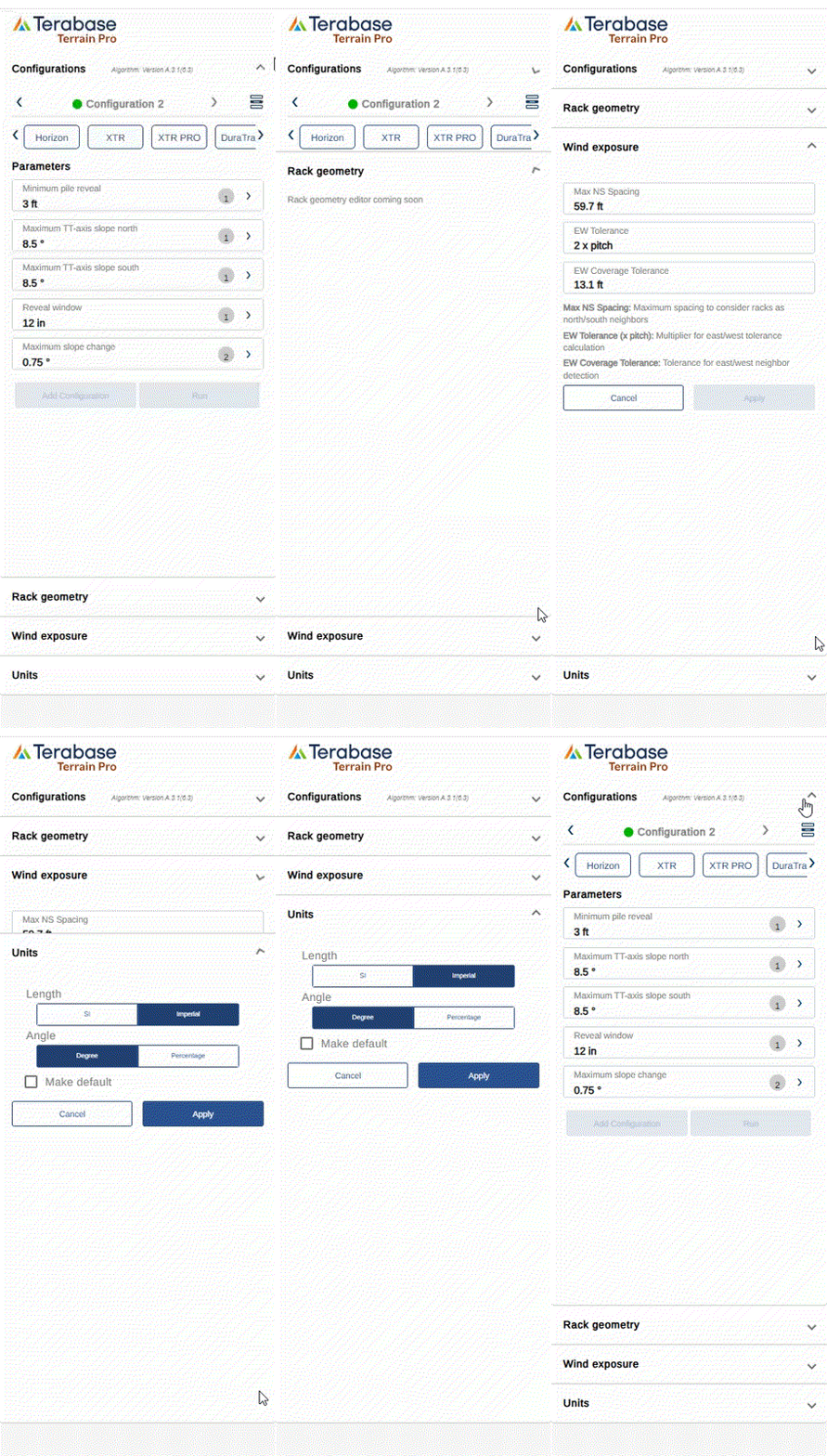
Enhanced Input Configuration
A new input section has been introduced to help users better organize and manage analysis parameters. Inputs are now categorized into:- Configuration Inputs – Analysis and configuration settings.
- Rack Geometry Inputs (Placeholder) – Reserved for upcoming functionality to define rack-specific geometry directly within the interface.
- Wind Exposure Inputs – Parameters affecting the wind exposure calculation and rack grouping.
- Unit Inputs – Definition of measurement systems and units used in the analysis.
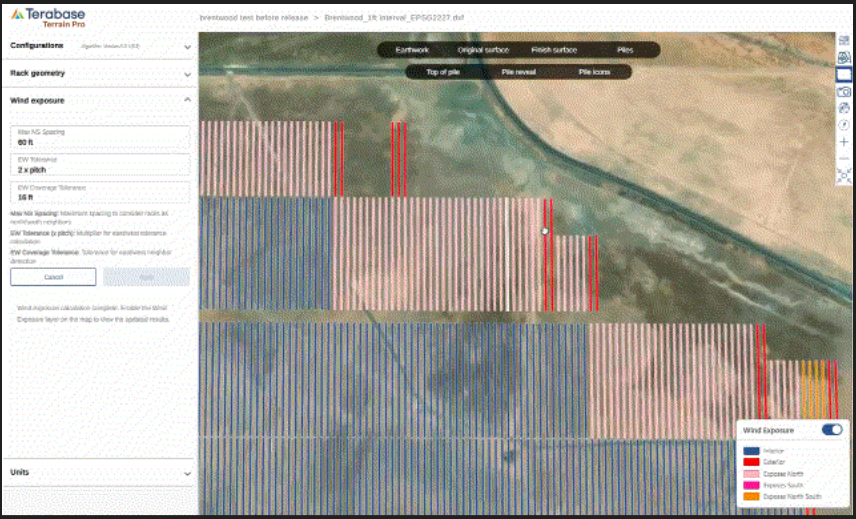
Editable Wind Exposure Parameters
The Wind Exposure input section now includes editable parameters that define rack exposure and neighbor detection behavior:- Max N/S Spacing – Maximum distance to treat racks as north-south neighbors.
- E/W Tolerance (× Pitch) – Multiplier controlling east-west tolerance during exposure calculation. This parameter defines if a rack can be considered East or West exposed
- E/W Coverage Tolerance – Defines how much of a rack’s edge can be exposed before it’s considered exterior.
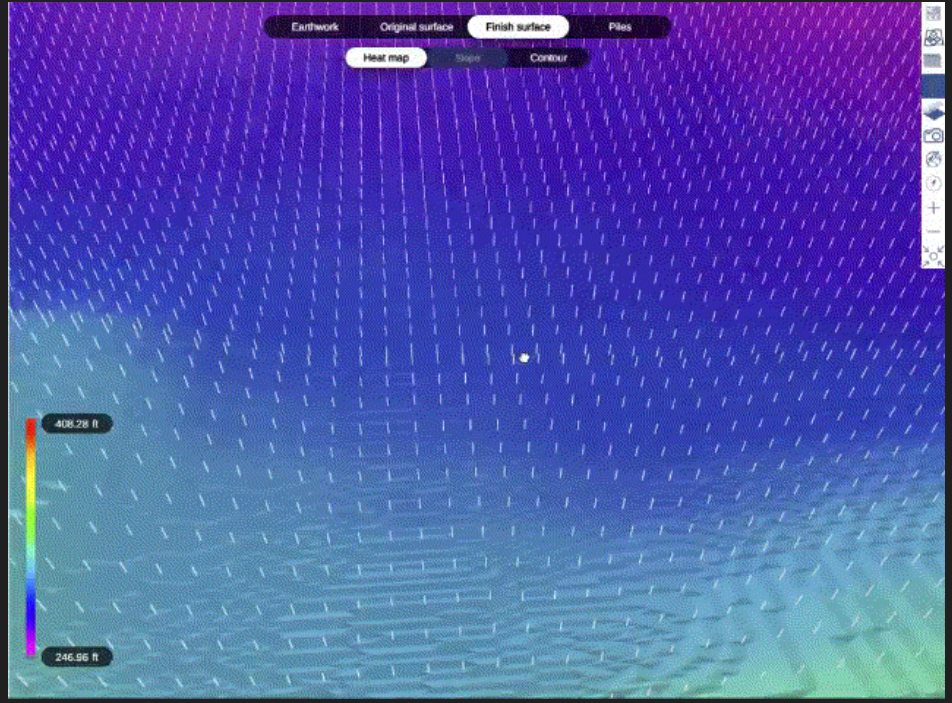
The Finish Surface view now includes the ability to display 3D pile and rack bay layers, offering a more realistic visualization of post-grading conditions.
- This feature is available for Terrain Pro analyses generated from Design Pro configurations and DXF imports, where rack geometry is explicitly defined or extracted.
- For CSV or Excel-based inputs, only the pile 3D extrusion is shown on the finish surface.
Pile Configurator Enhancements
The pile configurator now tracks, in addition to user-edited changes in the pile binning table, the preferred data source for pile type selection — whether it originates from imported data or is calculated using the Wind Exposure module. This enhancement provides greater transparency and control over how pile types are defined and maintained across Terrain Pro analyses, improving both accuracy and consistency in design workflows.Bug Fixes
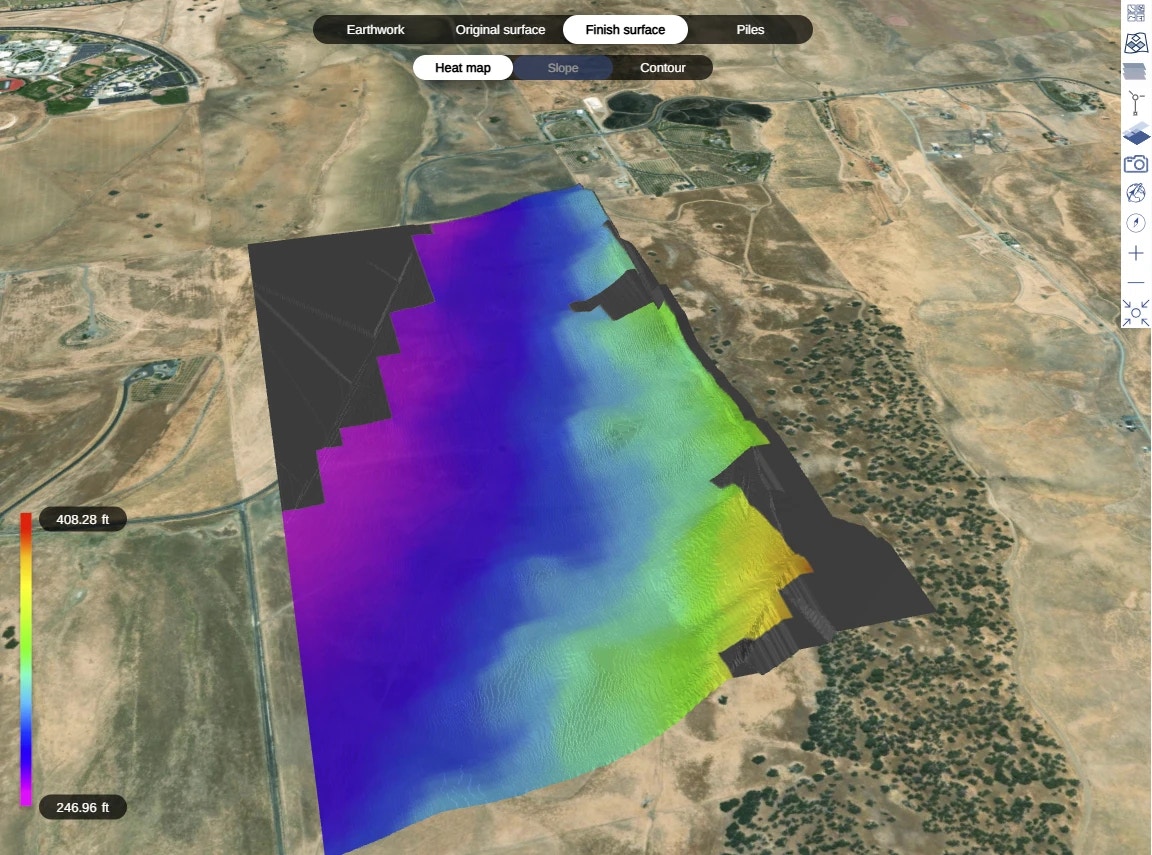
- Gradient Color Consistency: Resolved a mismatch between the gradient colors displayed on the Original Surface and Finish Surface maps and their corresponding legend. The gradient visualization now accurately reflects elevation values across both map views.
PlantPredict
Weather File Improvements
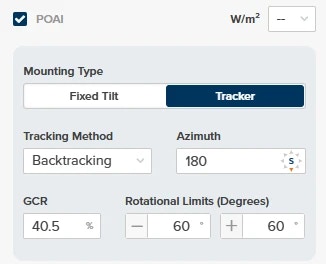
- When importing a new weather file with POAI data, decimal inputs are now accepted for GCR%.
- Wind Gust data is now included when exporting weather data.
- When choosing or updating a weather file for a prediction, newly added files will now correctly show in the available list immediately.
- Corrected unit-of-measurement labels for GHI, DHI, and DNI.
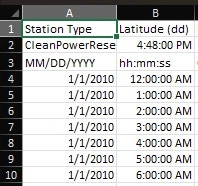
- Date & Time columns are now formatted correctly upon export
- Updated NSRDB requests to use the new v4 ‘GOES’ endpoints.
Bug Fixes:
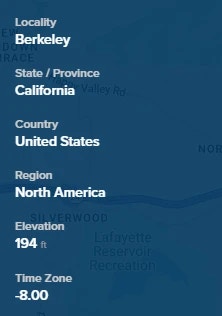
- Project elevation now correctly converts to FT when Imperial is toggled on
- Fixed an issue that prevented PVC files from uploading for predictions using some Solcast weather files.