May 7, 2026Documentation Index
Fetch the complete documentation index at: https://docs.plantpredict.com/llms.txt
Use this file to discover all available pages before exploring further.
PlantPredict
Degradation Model: First-Year Degradation for Single-Year Predictions
The Model Choices screen now exposes First-Year Degradation controls when Number of Years is set to 1. You can enable first-year degradation, choose a Degradation Model and Rate, and toggle LeTID for a single-year run. The show/hide logic for the surrounding inputs was also tightened up so the first-year rate field only appears when first-year degradation is on, and the annual degradation rate is correctly disabled and zeroed out when not applicable.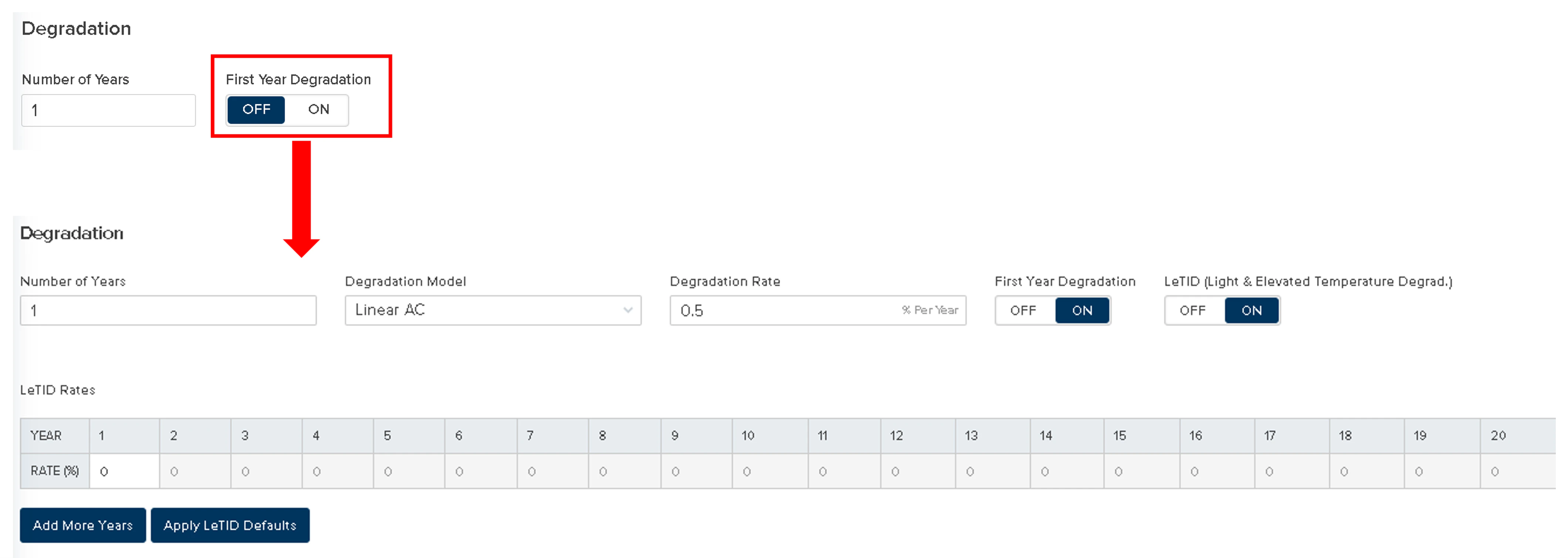
Weather Data Improvements
Improved graph labels—Weather data graphs now display readable timestamps on the time axis, fixing sub-hourly intervals that previously rendered as decimals. Series legends also show the variable name (e.g., GHI) instead of generic identifiers.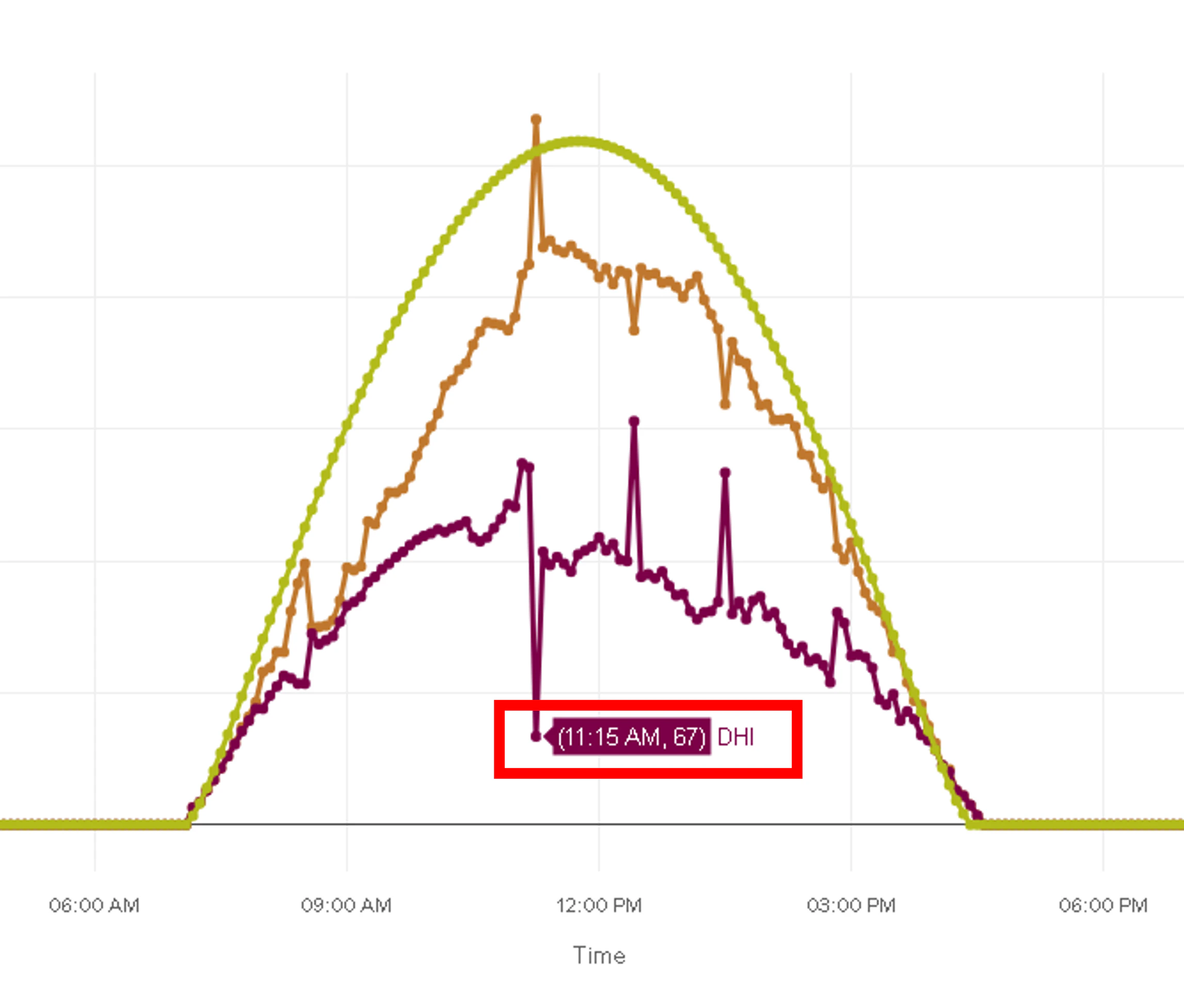
SunSolve in Loss Factors Results
When SunSolve Bifacial Parameters Import is enabled on a prediction, the Loss Factors results page now displays a dedicated SunSolve Transmission Gain line item in place of the previous bifacial mismatch (now folded into the combined Module Mismatch line item). See Rear (bifacial) plane-of-array irradiance for how these inputs feed the model.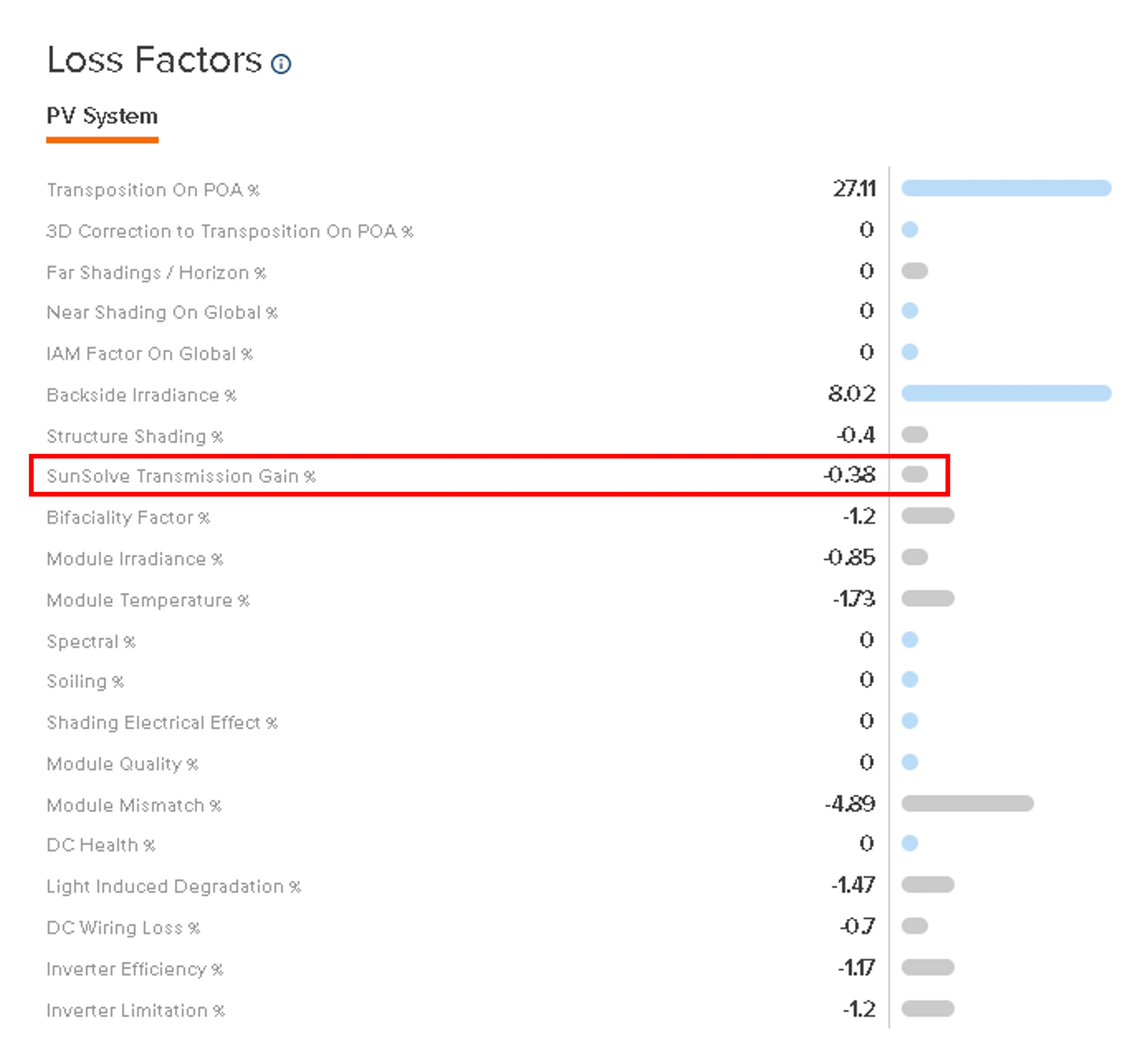
Improvements and Bug Fixes
- Irradiance optimization tilt = 0 (V13 beta)—Fixed an issue where irradiance optimization could yield a tilt angle of exactly 0°, which triggered division-by-zero errors and produced NaN values in nodal outputs. Tilt angles calculated by the irradiance optimization logic are now floored to 0.001°, consistent with PlantPredict’s existing convention for handling near-zero tilt angles. (V13 beta prediction logic.)
- NSRDB albedo—The Get Albedo from NSRDB button works again; the same fix also restores correct albedo behavior in the NSRDB Weather Download workflow.
- Faster report generation—Reports now generate in parallel rather than sequentially, so all reports become available sooner.
- 3D engine capacity (V13 beta)—Optimized internal data handling in the 3D engines now supports shade scenes with more bays and objects, and 3D transposition runs with larger bay × timestamp combinations. (V13 beta prediction logic.)
Pro Tools
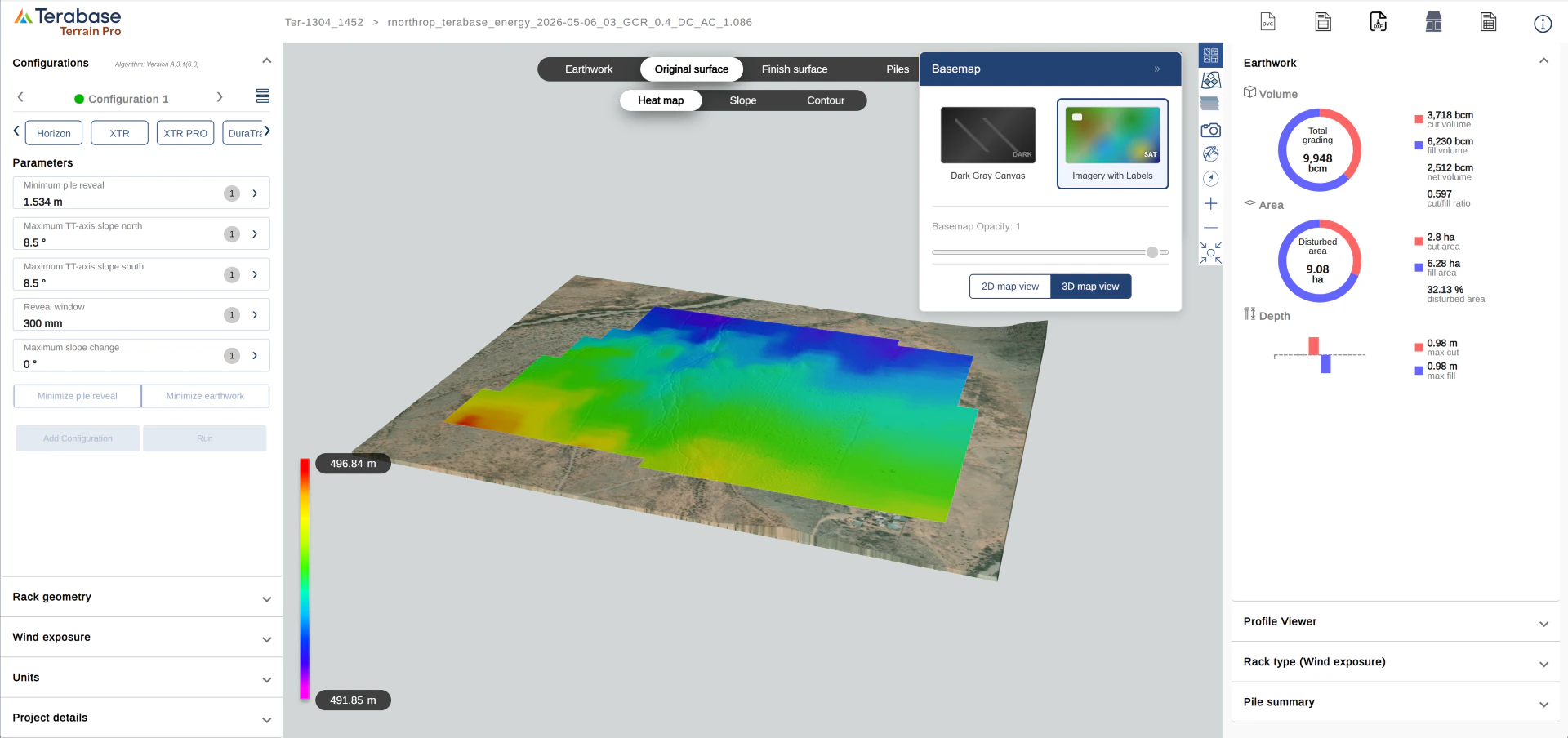
Terrain Pro: 3D Elevation View